

 Fancy Clock
FancyClock is a customisable desktop clock with skins, localisation and animated video displays.
Problem → System → Outcome
Problem. Default desktop clocks are boring, inflexible and lack meaningful utility.
System. FancyClock is a customisable desktop clock with additional display options and user-adjustable features.
Outcome. The clock stayed readable and responsive in real use, without UI jank or layout drift during long-running desktop sessions.
Rationale
I wanted to knock something up quickly to show off to a friend using AI but got diverted into making it fully featured when I started turning it into a better product.
Challenges along the way
This was quite the project but it turned out to be more complex the more I added.
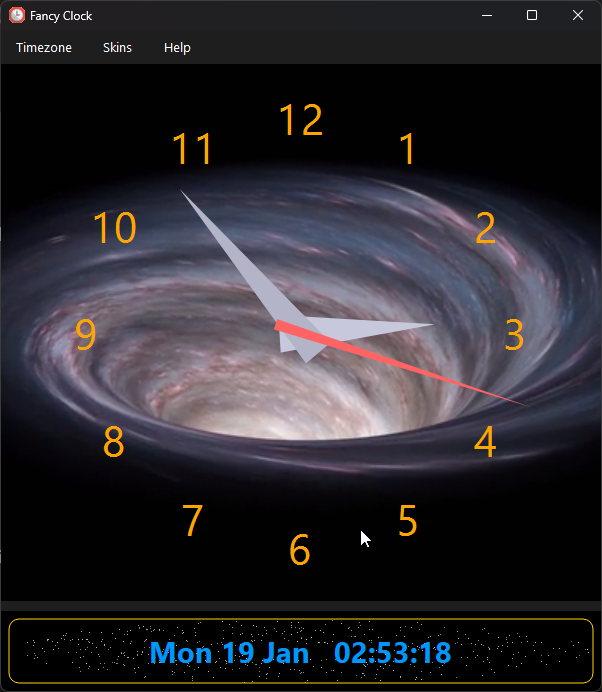
Then I decided to add video skins - that was a fun challenge but I got there in the end.
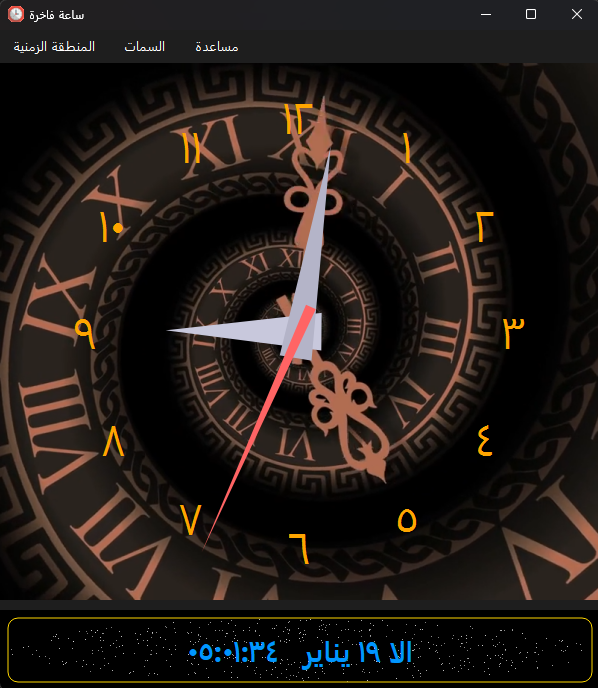
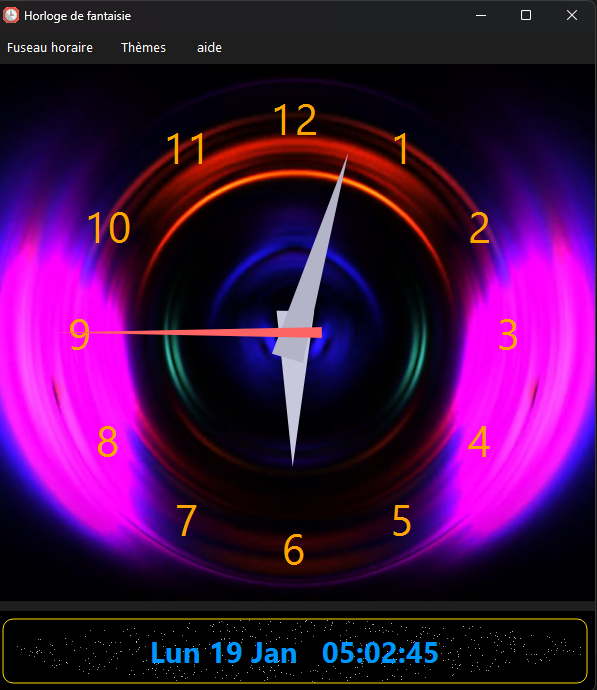
The REAL struggle was internationalising the app. Multiple languages and timezones throughout the world are HARD
to support. Especially when you want to support regional numbering systems AS WELL!
What it does
A frameless, draggable PySide6 desktop clock in analogue and digital modes with automatic timezone localisation (region names, numbers and numeral systems translated across 70+ languages), optional NTP accuracy, ten animated video skins and adjustable opacity, shipped for Windows and as a Linux Flatpak. The full feature rundown lives on the product site: ernster.dev/FancyClock.
Screenshots